Run your job search with AI assistants.
Plumb scores every role and tracks every application for Claude, ChatGPT or Grok.

Give me my Plumb briefing.
Plumb: get_briefing
12 new roles. Best: Senior Product Manager at Halden Labs, 86, high chance.
Follow up with Mirefield and Oakline.
6 of 10 applications this week.
Why did Halden Labs score 86?
Plumb: get_job
Role fit 26 of 30: you owned a payments roadmap end to end.
Gap: no lending products.
Watch out: five office days for the first quarter.
Applied to Tessera today. Priya referred me.
Plumb: add_application
Logged Senior PM, Platform at Tessera, referred by Priya.
It scored 74. I’ll flag it if they go quiet.
$ plumb matches --min 80
Plumb: search_matches
86 high Senior PM, Halden Labs
82 high PM Growth, Corvid
81 medium Product Lead, Brightwell
Works with Claude, ChatGPT, Grok, Cursor and your terminal. Sample conversations, with fictional companies.
Ask for anything. Plumb does the work.
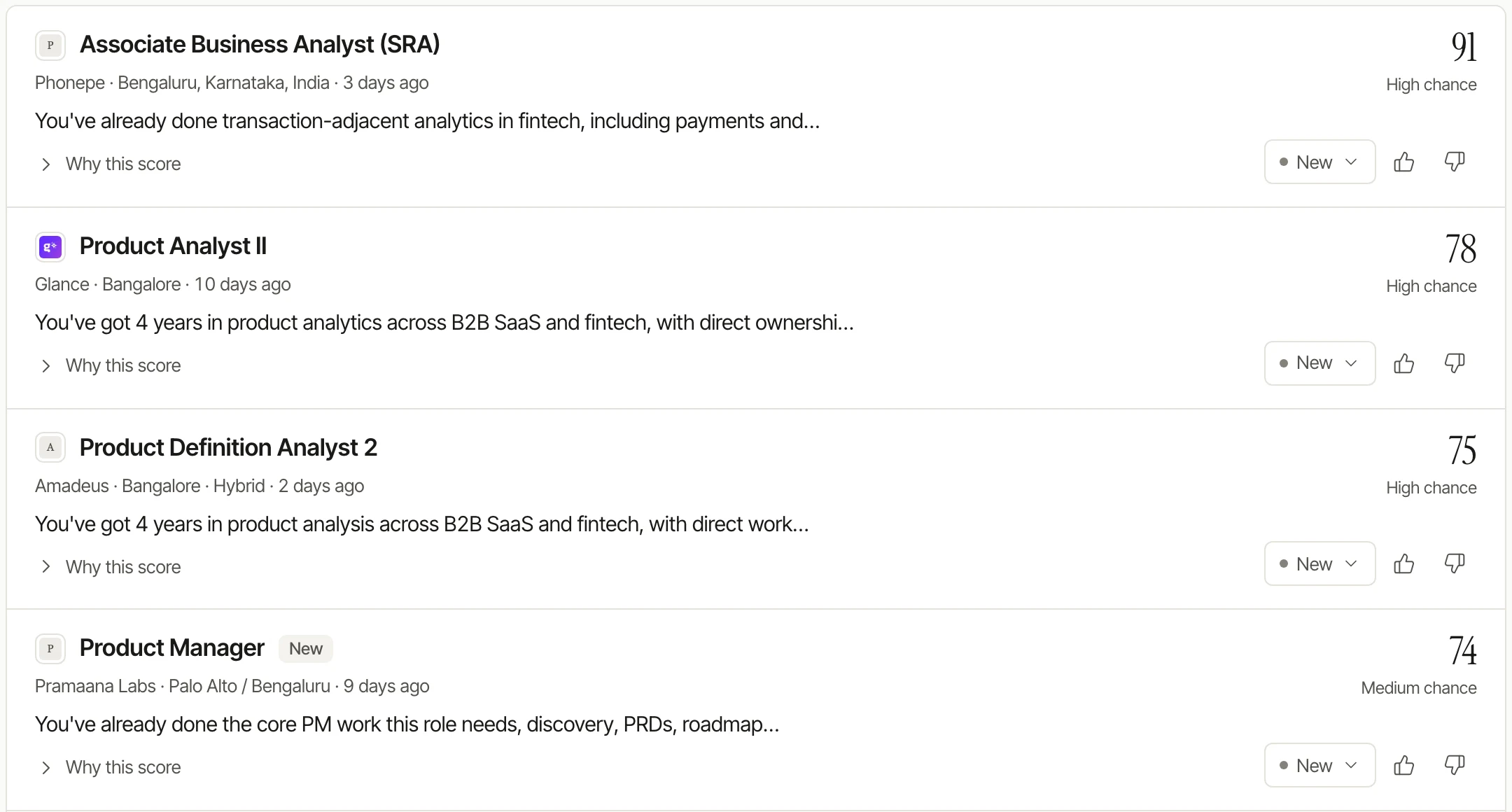
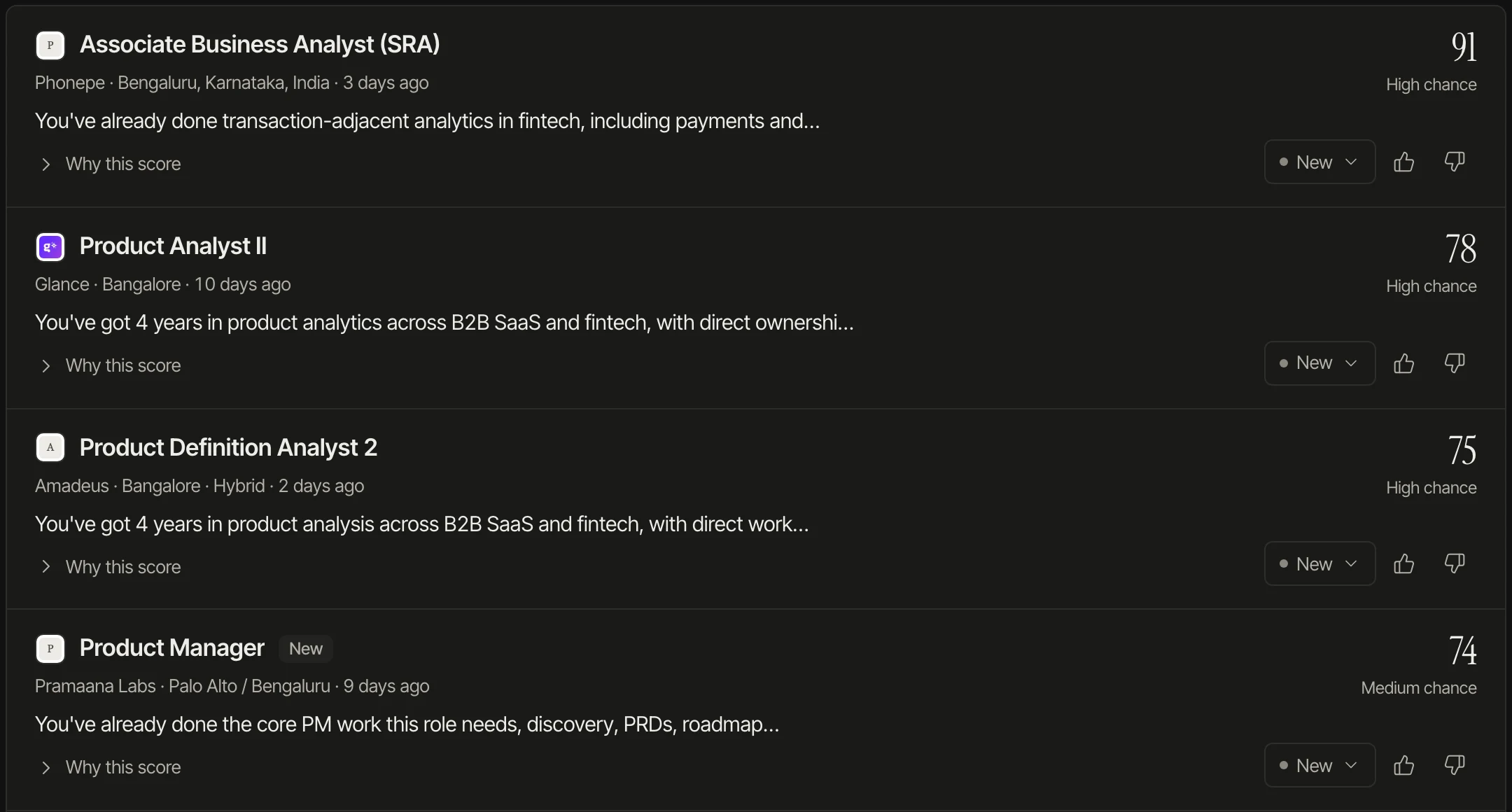
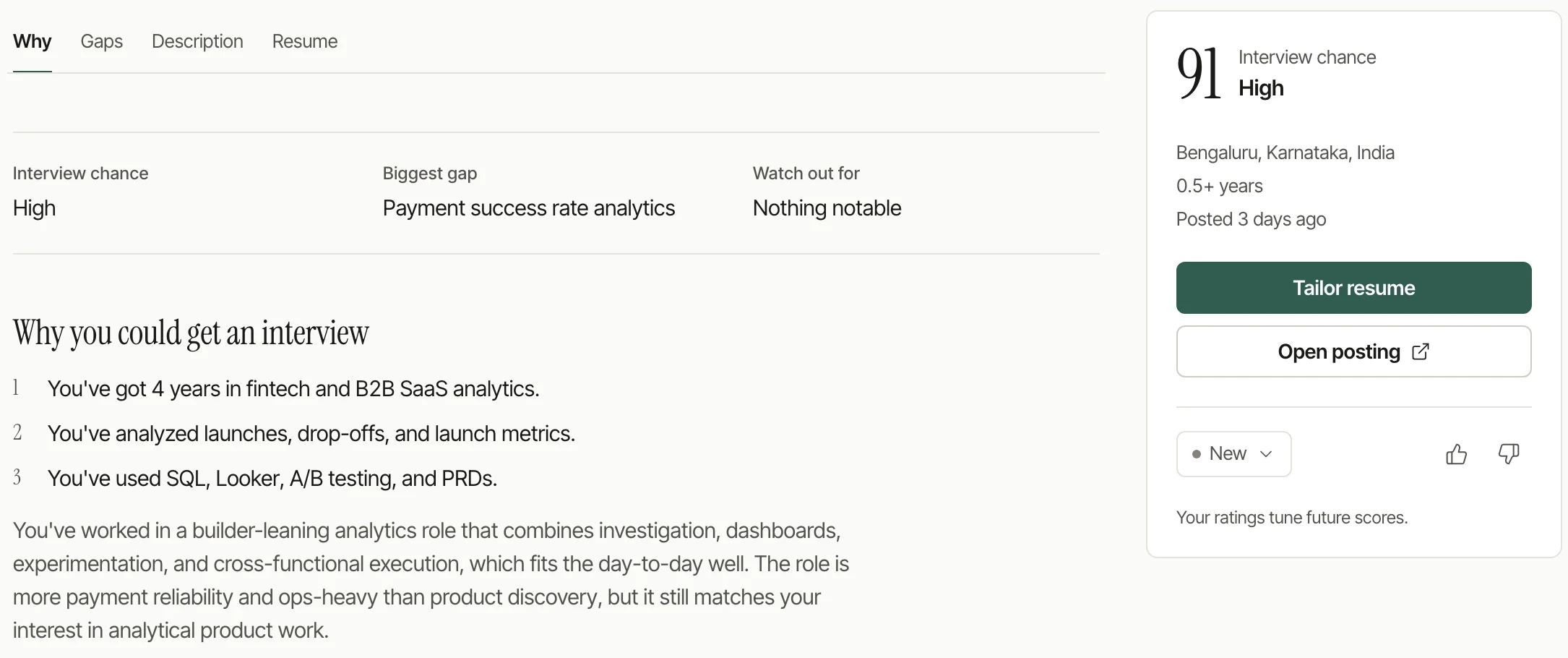
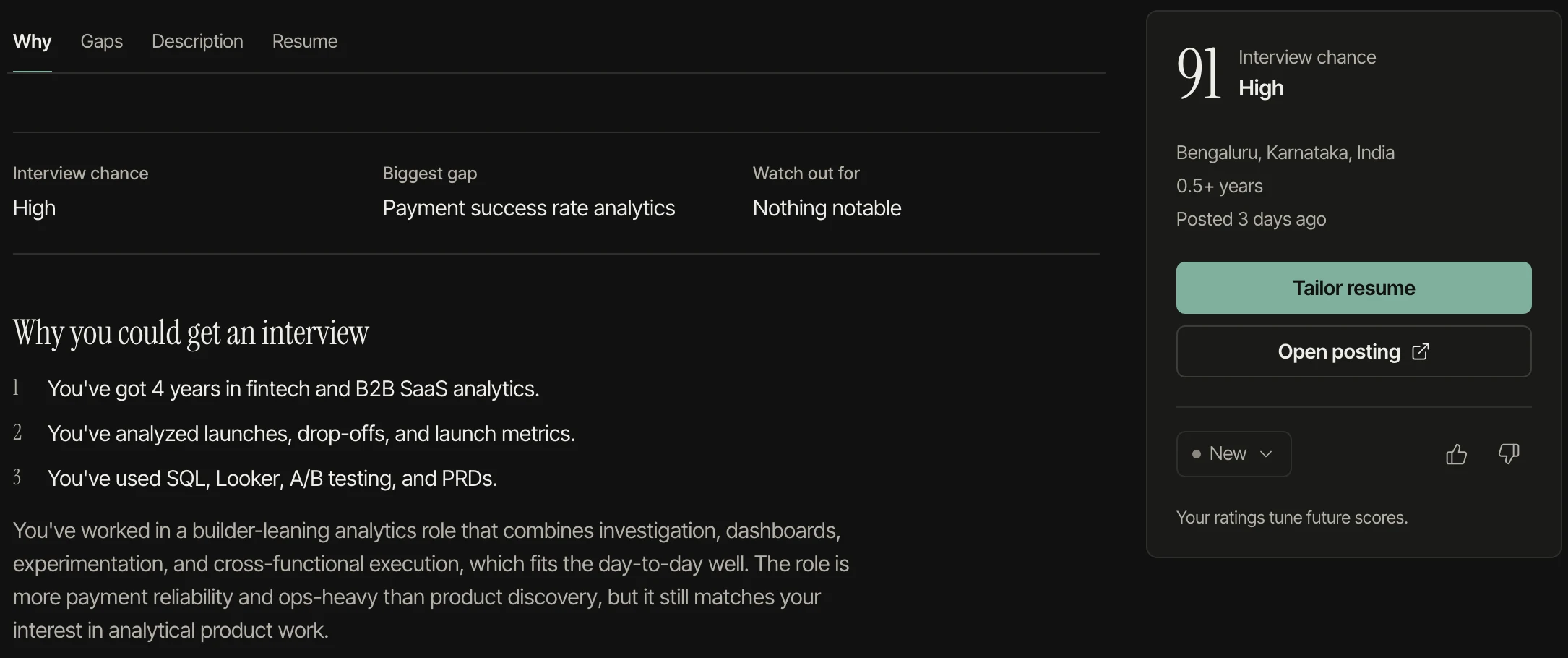
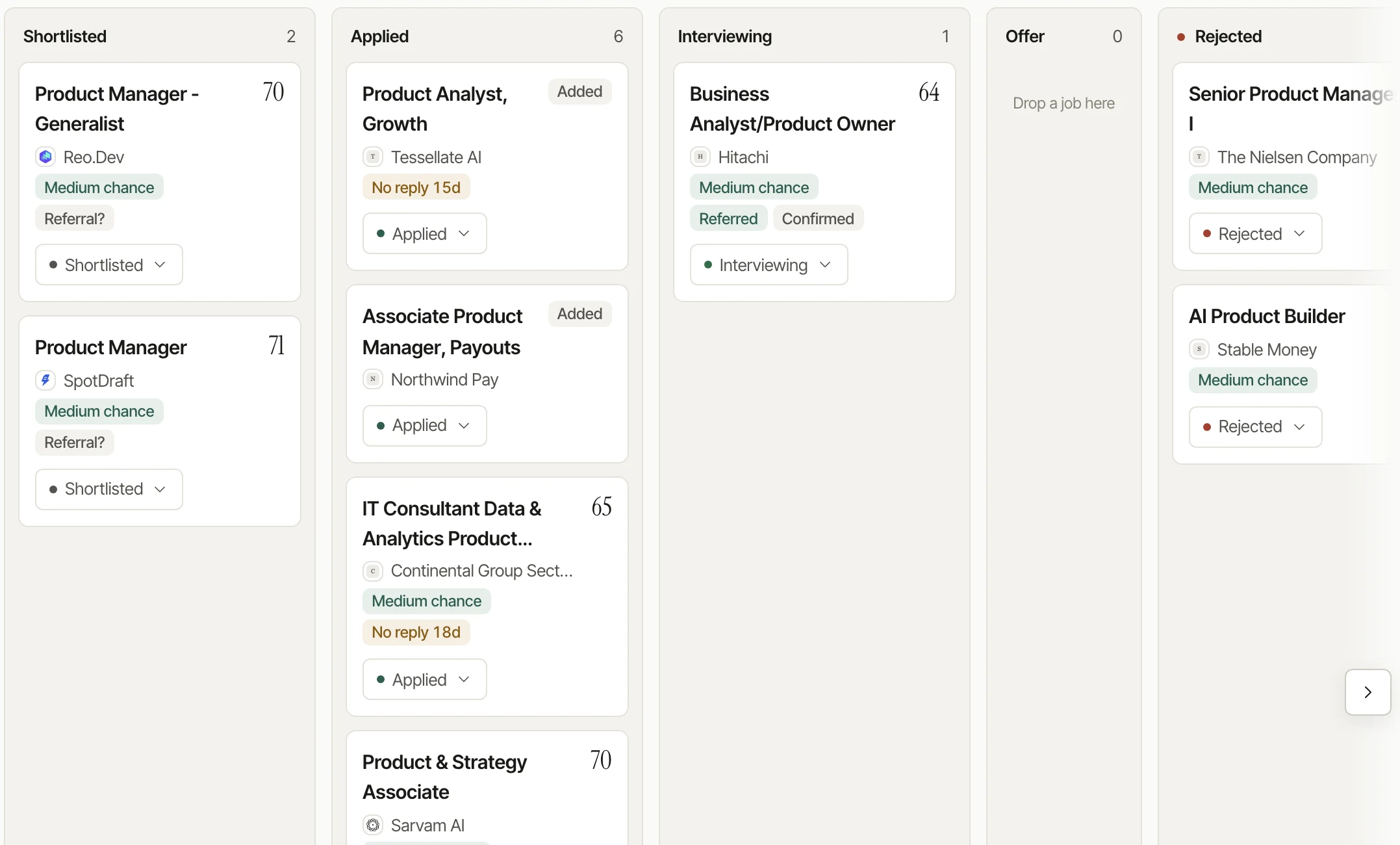
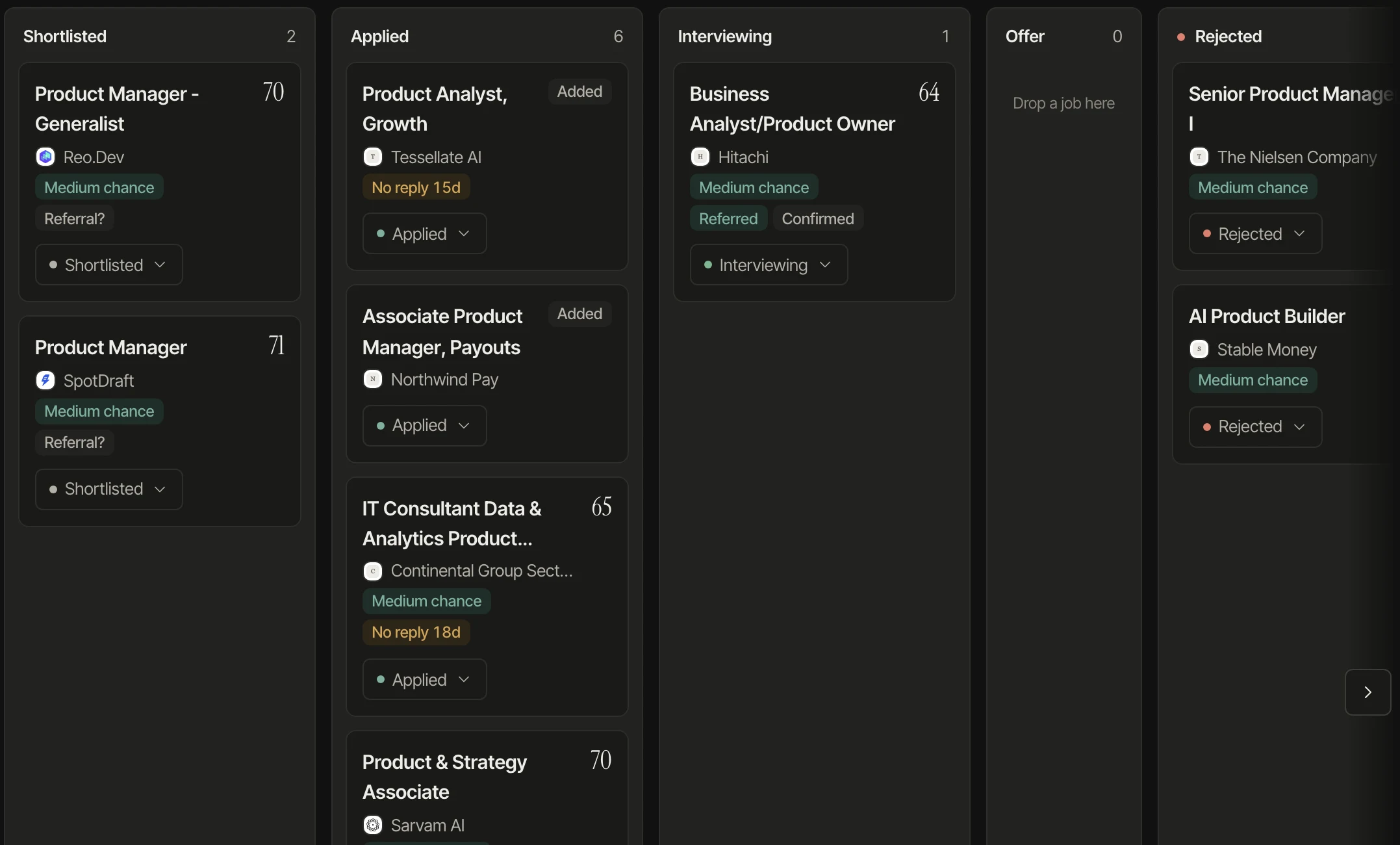
Real screens from Plumb’s demo account: a fictional resume against real postings.
Interviews in two weeks. Offers in four.
Early users ran their search using AI assistants connected to Plumb, and every rejection made the next score more honest.
- Day 1
Connect
Your assistant starts finding and ranking roles on company career pages.
- Week 2
First interviews
Applications go to roles that scored a real chance, with follow-ups on time.
- Week 4
Offers
Every rejection along the way sharpened the next score.
What Plumb’s early users saw, autumn 2026.
Every rejection makes the next score more honest.
It didn't work out
Move the job to Rejected on the board, or tell your assistant.
Say how far it got
No reply, the resume screen, a recruiter call or interviews, and why if you know.
See where the gap was
Plumb compares the posting with the exact resume you sent, requirement by requirement, and says what to change next time.
The next scores adjust
The gap feeds scoring, so similar roles get an honest interview chance, and patterns show up on your profile.
Connect once. Choose what it may do.
Sign in from your app
Claude, ChatGPT, Cursor and other MCP apps: add Plumb’s address as a connector, sign in, done. Access renews by itself.
From your terminal
$ plumb login
$ plumb brief
The Plumb CLI, for Node 18 or newer.
A private link
For Grok and apps without sign-in. Create it on your Profile; remove it and access stops at once.
See your search
Matches, job details, your pipeline, profile and insights.
Update your search
Statuses, applications, rejections, ratings and notes. Nothing that costs anything.
Run paid work
Searches, scoring, tailoring and analyses, inside your weekly limits.
Text from job postings is treated as data, never as instructions to your assistant. MCP guide and CLI guide.
Before you use your invite.
How do I get an invite?
Plumb is a small private beta. If someone gave you a code, head to the join page and enter it. If not, request an invite at plumb.hrudvibandla.com/request, or write to requests@plumb.hrudvibandla.com, and we'll write back.
Does Plumb make up experience on my resume?
No. Tailored resumes are built only from what's already in your resume. Plumb can reorder, reword and trim, but it doesn't add skills, titles, employers or numbers you didn't provide. Always give it a read before you send it.
Where do the jobs come from?
Straight from company career pages. Plumb scans a large directory of companies through the hiring systems they post on, and surfaces new roles in the cities you choose and remote roles open to people in your country (India, the US or Canada). It also finds new companies hiring for your roles every week.
How is the score worked out?
Every role is scored out of 100 across six parts: role fit (30), must-haves (25), domain (15), seniority (15), location (10) and freshness (5). Each score comes with a one-line reason, your gaps, and anything to watch out for.
What happens to my data?
Your resume, profile and application notes are stored privately in a database in Mumbai and used only to find, score, tailor and track roles for you. To score and tailor, your resume text and the job description are sent to OpenAI. Career pages are read separately, and your resume is never sent to them. If you connect an AI assistant, it sees what it asks Plumb for, and you can disconnect it any time. You can delete any resume version yourself; to get a copy of your data or remove your whole account, write to support@plumb.hrudvibandla.com.
How do I get help?
Write to support@plumb.hrudvibandla.com about anything: a bug, a question, your data or your account. Invite requests go to requests@plumb.hrudvibandla.com. A person reads every message and replies from that address.
Can I track jobs I found somewhere else?
Yes. Add any application with a link or its description and Plumb scores it the same way as the roles it finds, so your whole search sits on one board. Attach the resume you sent, note a referral, and it'll flag anything that's gone quiet for two weeks.
Can I use Plumb from Claude, ChatGPT, Grok or my terminal?
Yes. Add Plumb as a connector in Claude, ChatGPT or any assistant that supports MCP and sign in, or create a private link for Grok. There's also a command-line tool. Then ask for new matches, log applications, record rejections or tailor a resume using your AI assistant. You choose what each connection may do, and searches and tailoring keep the same weekly limits. The MCP and CLI guides in Docs list every tool and every error, and the MCP guide comes as a Markdown file you can give your assistant.
Does it work on my phone?
Yes. Plumb works in your mobile browser, with light, dark and system themes.
Does Plumb apply to jobs for me?
No. Plumb finds, scores and prepares; you decide and apply. Your pipeline keeps track of where each application stands.
Give your assistant the measure of every role.
Plumb is in private beta. Bring your invite code, then connect your assistant in a minute.
No code yet? Request an invite
Photograph: Florian Fuchs, CC BY 3.0, Wikimedia Commons.
